Images
Image work with a durable path from prompt to gallery
Start a generation or reference-based edit, follow the job state, and keep completed outputs available in your private gallery.
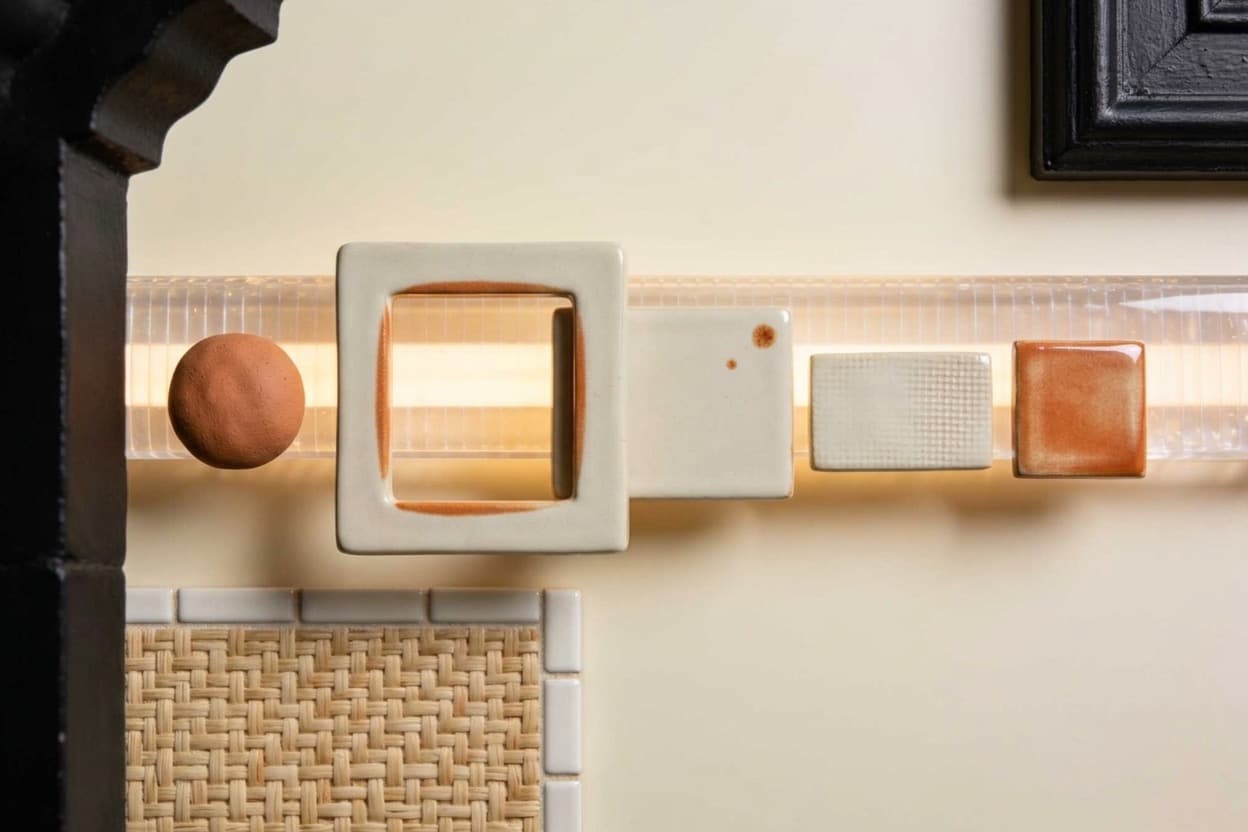
Make iterations traceable
- Queue a durable image generation job.
- Use uploaded reference inputs for editing where the selected option supports it.
- Return to completed outputs in the private gallery.
Illustrative image job: a reference input moves through a queued job to saved outputs.
- QUEUED
- RUNNING
- COMPLETED
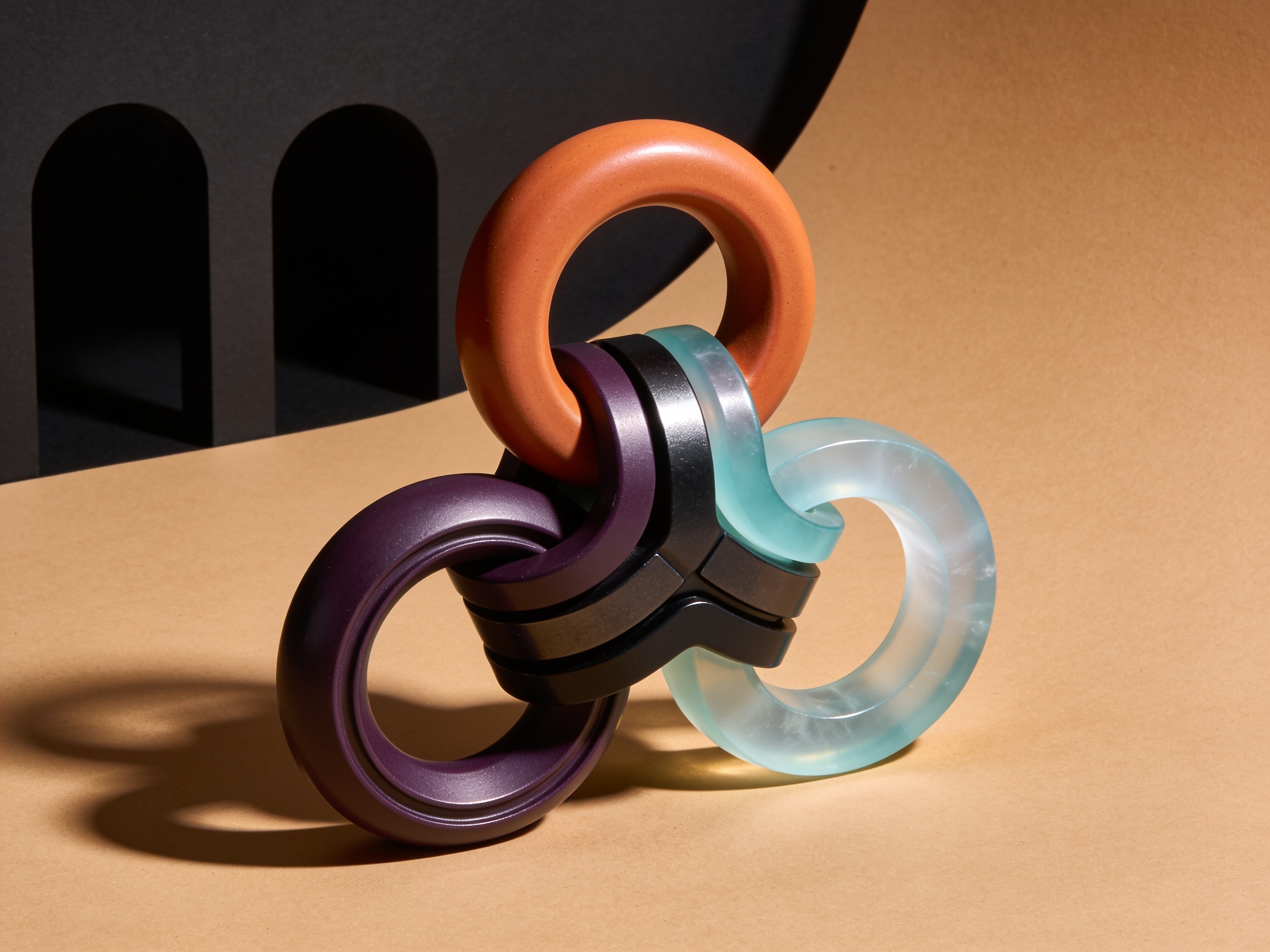
Output 01 · product composition
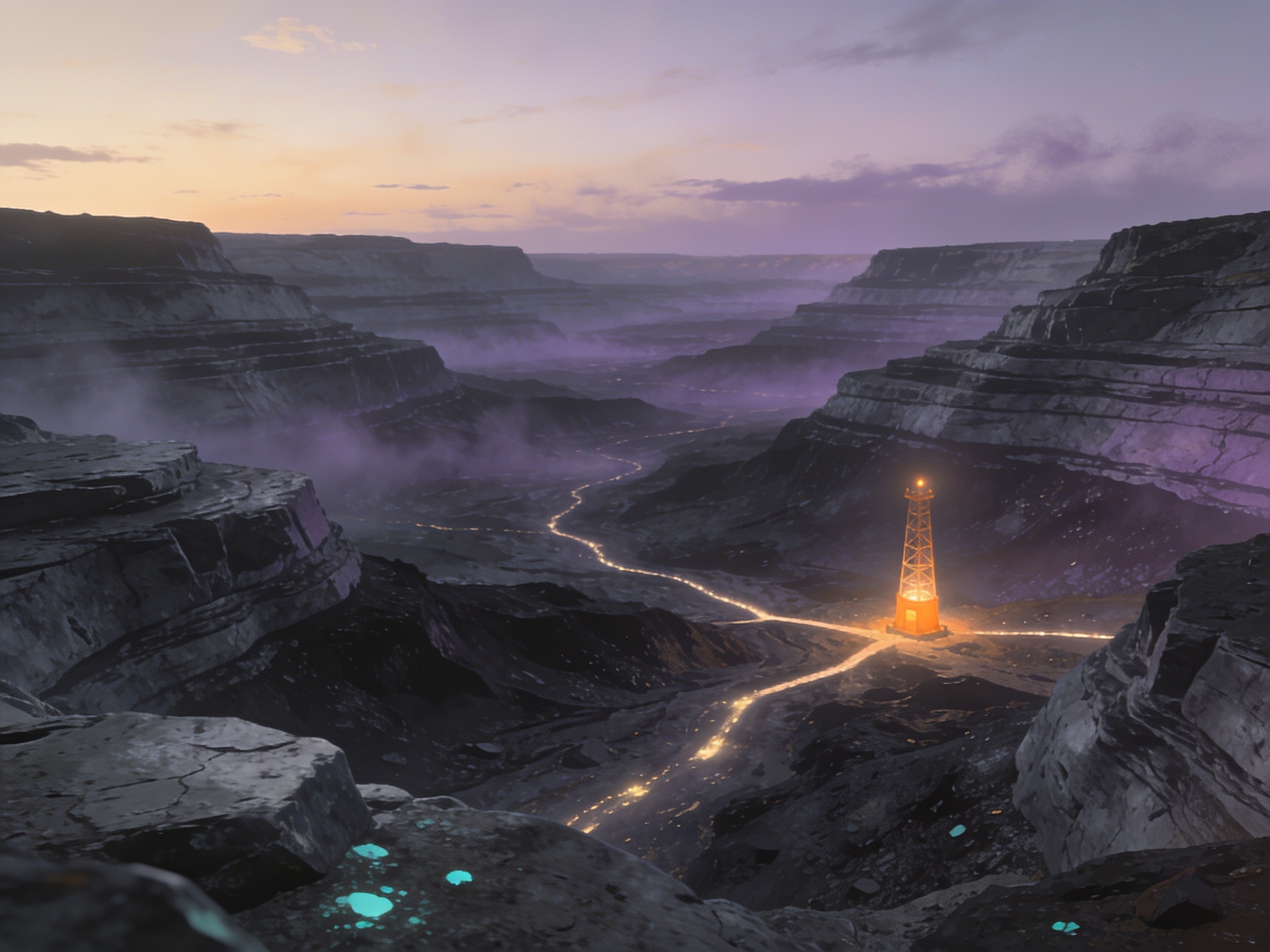
Output 02 · landscape study
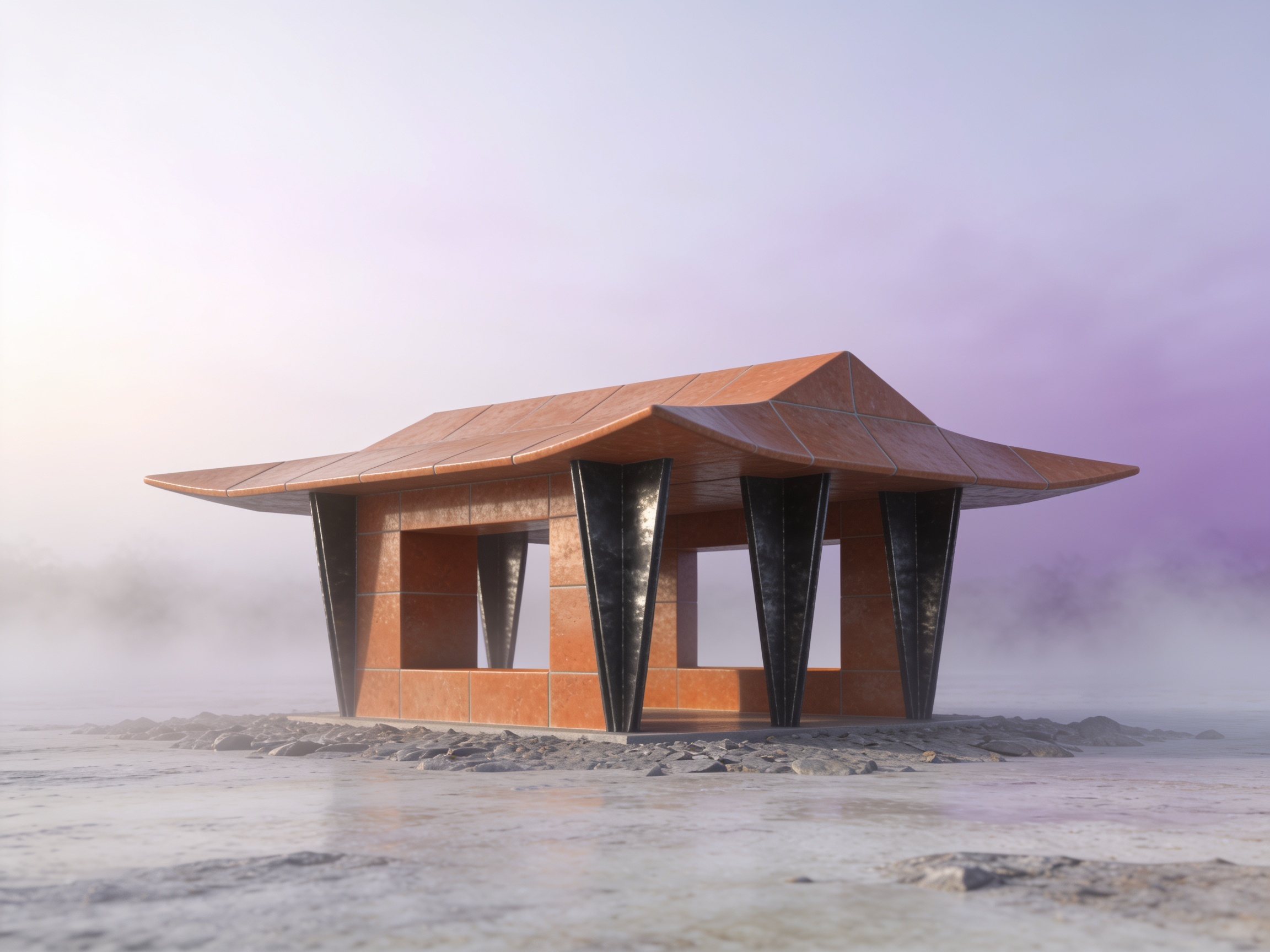
Output 03 · geometric study
A visible lifecycle for visual iterations
Choose an available option, add the prompt or reference input, wait for the job result, then revisit the saved output.
For campaigns, concepts, and repeated visual work
Use Images when a visual task benefits from saved jobs and the ability to return to completed outputs.